Start with the PDF marked for printing
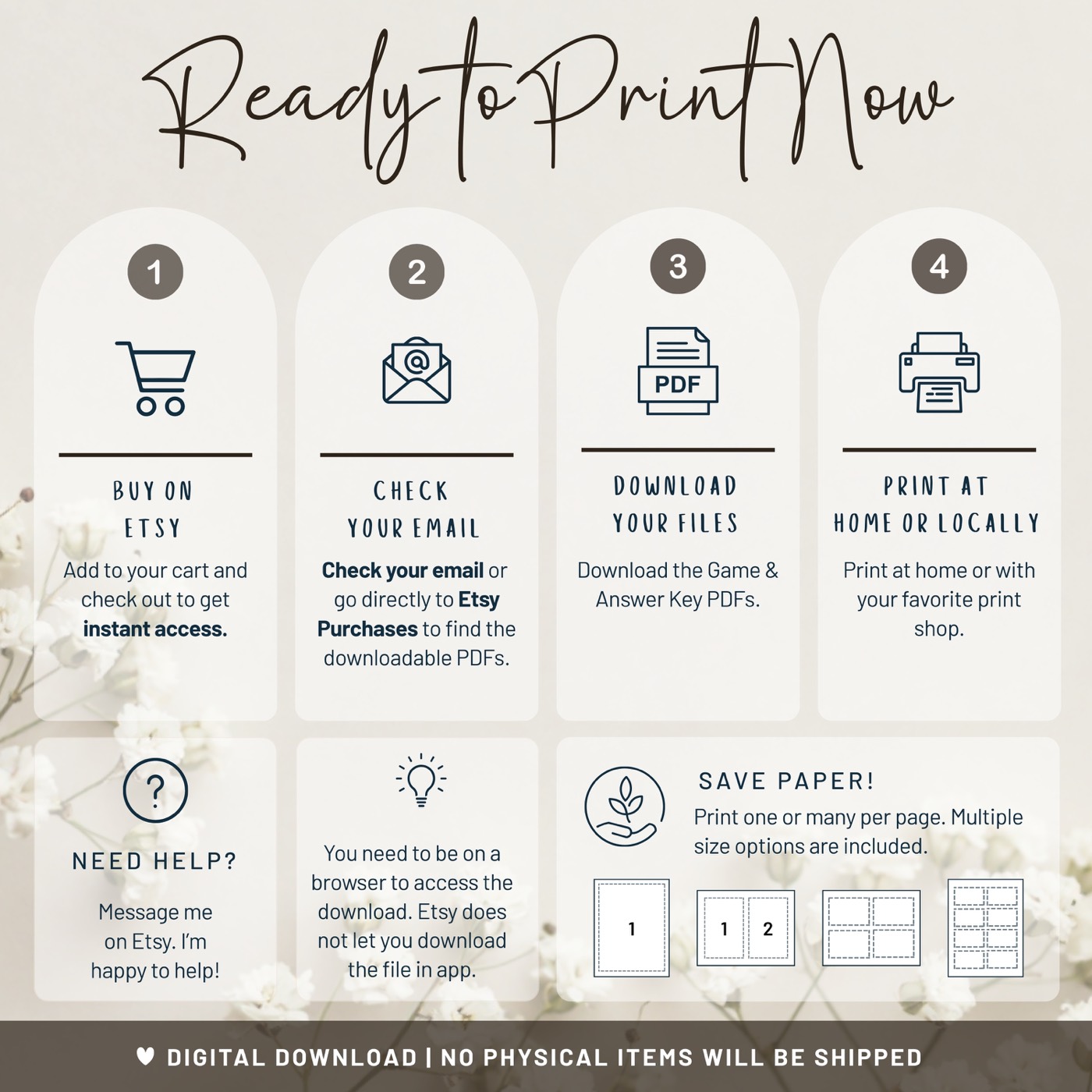
If your purchase includes both PDF and image files, open the PDF for home or professional printing. A print-ready PDF is designed to preserve the page size, text placement, and resolution more reliably than a screenshot or image saved from a message.
Choose the file size that matches your plan
| Format | Best for | What to expect |
|---|---|---|
| 5 × 7 inches | Place settings, clipboards, and compact table layouts | Usually printed one or two per sheet, then trimmed |
| US Letter, 8.5 × 11 inches | Large writing areas and the simplest home-print setup | One game per standard US sheet |
| Professional print | Large quantities, precise trimming, or heavier stock | Upload the PDF and confirm its finished size with the printer |
Use these printer settings
- Open the file in a PDF reader rather than printing from a browser preview.
- Select the correct paper size for the sheet loaded in your printer.
- Choose Actual Size or 100% when the PDF already matches the paper.
- Choose one page per sheet unless your printer or print service offers a multiple-pages-per-sheet layout you have tested.
- Select the best or high-quality print setting if your printer offers one.
- Turn off automatic double-sided printing unless the design includes a coordinated back.
“Fit to page” can be useful when your printer cannot reach the edge, but it may shrink the finished card. Check the measurements on the first trimmed copy before printing the rest.
Pick paper that suits the activity
Bright white matte paper gives text and fine lines good contrast. Standard copy paper works for a casual shower and is economical for a large guest list. A slightly heavier matte paper or light cardstock feels more substantial, but check your printer's paper-weight limit before loading it.
Avoid glossy photo paper for games guests need to write on. Pens can smear, and reflections can make small text harder to read.
Print one or two games per page
One 5 × 7 card fits comfortably on half a US Letter sheet. To place two cards on one sheet, use a trusted print tool or a print service that can preserve the 5 × 7 finished size. Check the measurements on one trimmed test copy before printing the full set.
Trim neatly without special equipment
- Let ink dry fully before stacking or cutting.
- Use a paper trimmer for the fastest straight edges.
- If using scissors, lightly mark a cutting guide on the back rather than the front.
- Trim one finished sample first and use it to check every later stack.
When to use a print shop
A local or online print service is useful when you need many copies, do not have a colour printer, want precise trimming, or prefer heavier stock. Send the original PDF, state the intended finished size, and ask for a proof if colour matching is important.
Your five-minute print checklist
- Correct PDF and finished size selected
- Paper loaded in the right orientation
- Actual Size or 100% selected
- One test page printed, trimmed, and checked
- Enough pens and a few spare copies packed for the shower